I'm going back to my roots...
The project focused on Linux server security and system hardening. The main goal was to create a practical security checklist based on industry best practices and to apply some of these measures.
Rather than focusing on a single application, this project combined multiple technologies and security techniques to improve the overall security of Linux servers.
As part of the project, I installed and configured several services and applications:
- OpenVPN Access Server - configured for secure remote access to Linux system (VPS).
- Auditd - used for system auditing and monitoring important security-related events.
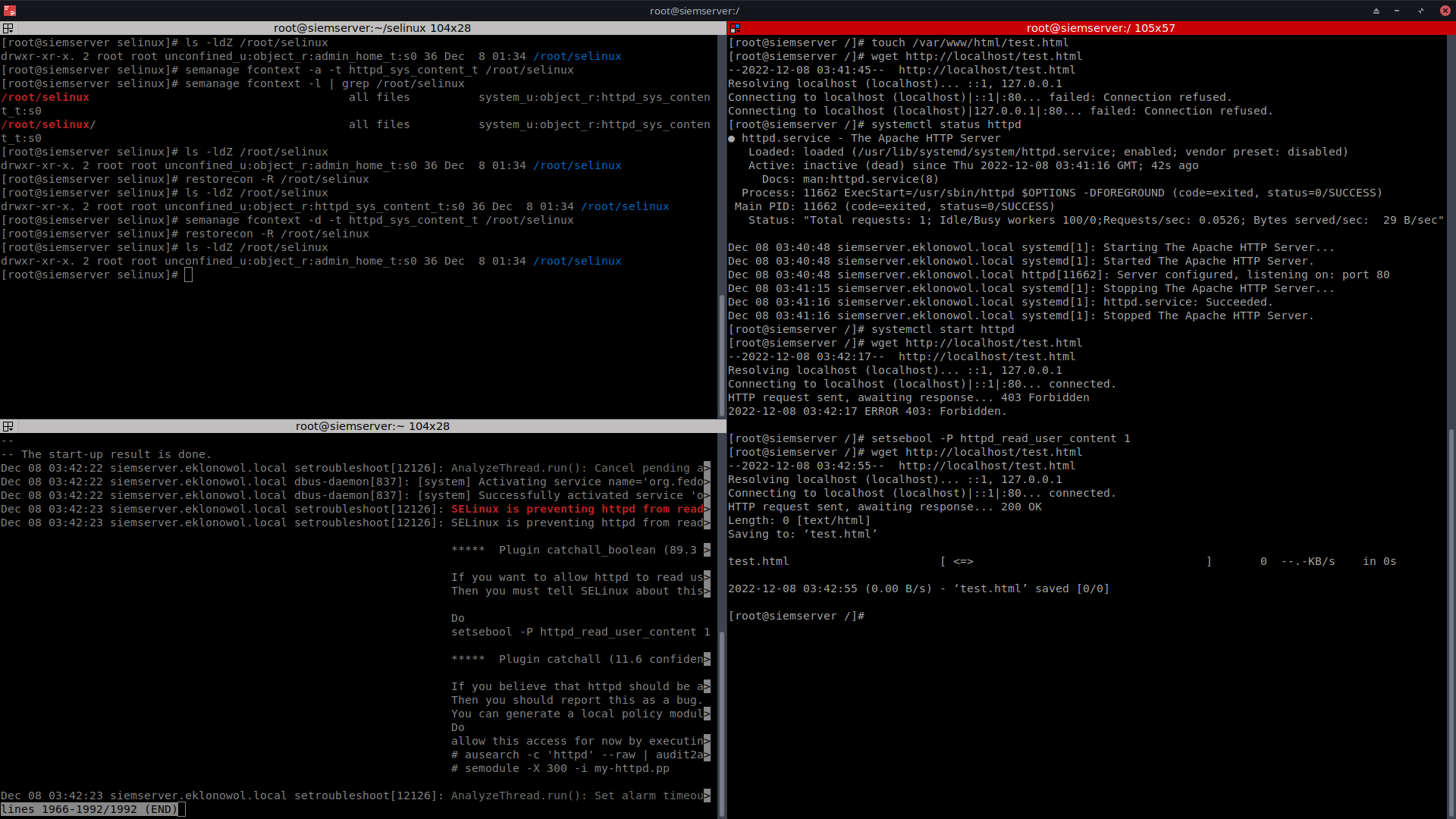
- SELinux - configured and tested to improve access control and system security.
- FreeIPA (kerberos) - deployed centralized authentication and Kerberos-based identity management.
- Apache HTTP Server - configured using simple Bash automation scripts with additional security improvements. The web server was integrated with:
- Cloudflare services
- SSL/TLS encryption
- SSL Labs testing to verify security configuration and HTTPS implementation.
- OpenSSL - used for certificate management and basic cryptographic operations.
- Fail2ban - was configured as a lightweight security tool for monitoring logs and blocking suspicious IP addresses after repeated failed login attempts. I used it to add an extra layer of protection to my Linux server.
- Cowrie - is an open-source honeypot that simulates SSH and Telnet services to detect and log cyber attacks. I deployed it in a Podman container to observe attacker behavior and collect security data.
- Wazuh - basic deployment. At this stage, it was mainly about getting familiar with SIEM software. In the future, it will likely become one of the main components of my homelab.
The Linux Security project became an important step towards building a more secure self-hosted environment.
Linux security checklist:
- Secure SSH
- Disable root
- Separate network services. One network service per system/vm. It's worth considering containers (with an adequate level of security)
- Make backup, backup, backup copies... and test them
- Use protocols for encrypted communication SCP, SSH, RSYNC, SFTP, SSL (VPN, WWW) and data on disks
- Check listening ports and disable any that are not required
- Enable blocking after three failed attempts
- Run fail2ban
- Enable audit log
- Manage SELinux
- Create separate partitions /usr /home /var /var/tmp /tmp also for services and app's WWW, FTP
- Use built-in kernel options to secure your system
- Control the number of users with admin privileges and disable when not required
- Use a central system to manage Kerberos
- Physical security for servers - disable access to USB/DVD/firewire/thunderbolt from OS and BIOS, flood and fire protection
- Run redundant links and power supply
- Disable and remove unused services
- Disable and remove unused applications
- Disable autostart of services, applications and containers that are not required
- Audit and apply security
- Implement honeypots
- Externally scan your server for vulnerabilities
- Regularly update your system and apps
- Run a kernel audit and secure
- Block all ports except those necessary in your firewall
- Make sure that there are no users on the server without passwords
- Set the system to use login keys and a strong password
- Set to force password change and enable password history